
 Zapier
Every call, as data.
Point a webhook at a Zapier catch hook and every finished call, booking, text and completed job can start a zap: a row in Sheets, a Slack message, a contact in your CRM, an event on another calendar. Prefer code? Send the same signed webhooks to your own endpoint, or read calls and bookings with an API key. Our own app in the Zapier directory is coming soon.
event: call.completed · call_id: 2743 · duration: 66 s · outcome: booked
caller: { name: Tess Walker, phone: +15125550178 } · appointment: { id: 458, at: 2026-11-13T09:30 }
summary: Dryer runs but isn't heating; booked tomorrow 9:30 a.m. at 41 Maple Court.
transcript: [...] · recording_url: signed link
Fields in the call.completed webhook. Add a URL in the dashboard, press Test, and see the delivery log.
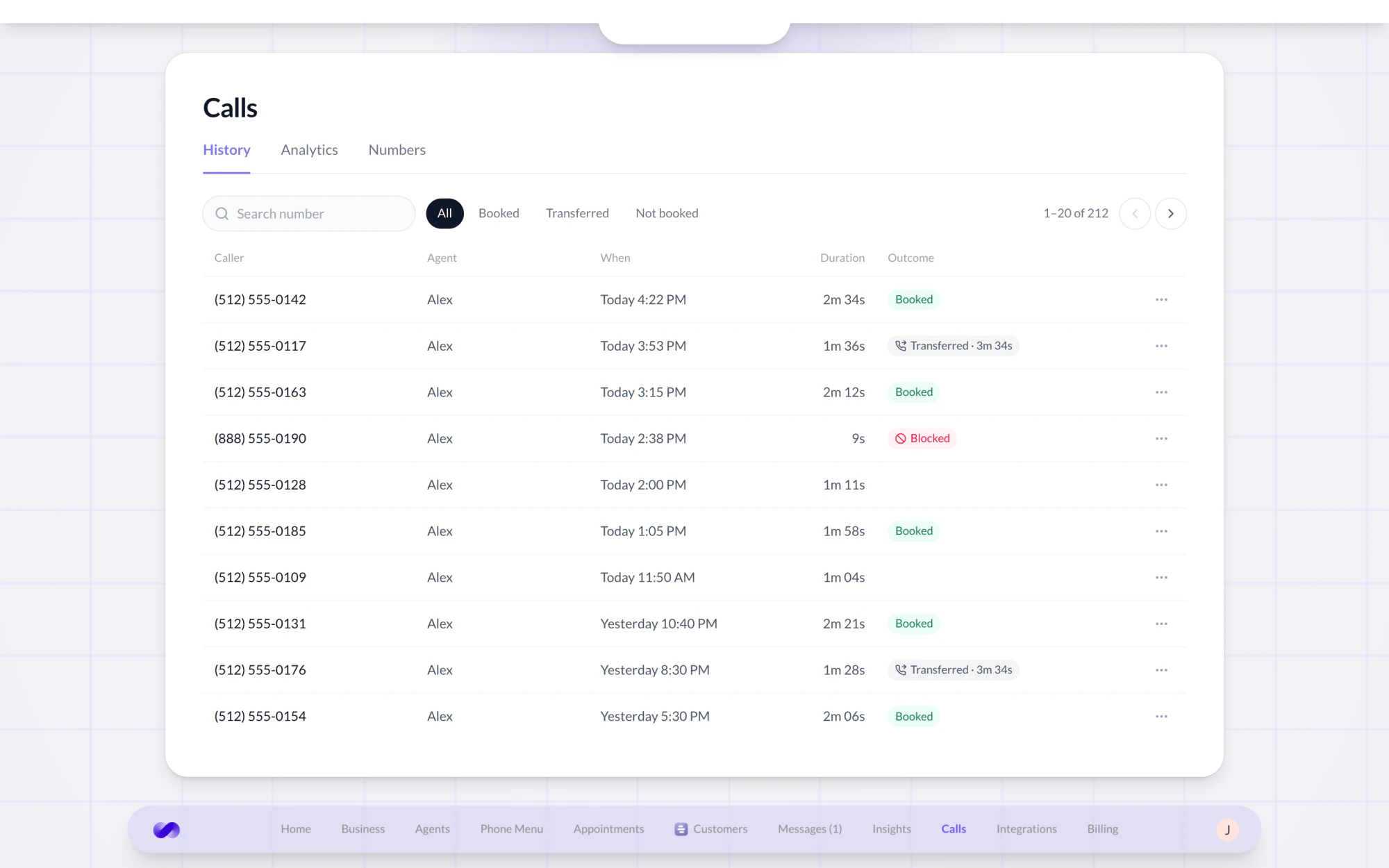
The dashboard, with our fictional demo shop's data.
What moves, and when
- Add a webhook
Paste the URL (a Zapier catch hook or your own endpoint), choose the event, save. Send a test with one click.
- Signed deliveries
Each delivery carries a signature you can verify; failed deliveries are listed with the response.
- API keys
Create a key in the dashboard and read calls, recordings and appointments from your own code.
- Common zaps
New call → row in Google Sheets; new booking → event in Outlook or a card in Trello; needs-you alert → Slack message.
Which way the data goes
| Data | Direction |
|---|---|
| Webhook events | call.completed, appointment.created / rescheduled / cancelled, message.received, job.completed and more, signed |
| Calls, recordings, appointments | API, read with your key |
| Delivery log and test button | in the dashboard |
Settings in the dashboard
Plain switches and plain-language instructions.
Pick which events each webhook gets: calls, bookings, texts and completed jobs.
Create, name and revoke API keys; each key is owner-only.
Every attempt with status and response, kept for troubleshooting.
Questions owners ask
Or ask Alex yourself: call +1 (534) 248-9962.
Is there a Zapier app?
Not yet in the Zapier directory; it's coming soon. Today you connect Zapier with a webhook: create a zap that starts with a catch hook, paste its URL into the dashboard and pick the events.
Does the webhook include the recording?
A signed link to it, plus the transcript text.
Can I push bookings into my CRM?
Yes: the booking is in the payload; map it in Zapier or read it from the API.
Is this extra?
No. Webhooks and the API are included in the plan.
Want us to set it up for you?
Leave a number. Someone from our team calls you, goes through your services, hours and service area, and sets your receptionist up with you.
- A person on our team calls you back
- Your greeting, questions and urgent-call rules, set up together
- You hear it answer before it takes real calls
Related pages
Hear how your next call gets answered.
Call the demo line and talk to Alex yourself. Live on your number in about ten minutes.
Demo line +1 (534) 248-9962